← Home中文
XD AI Notes
Snap a picture, understand it instantly.
Take a photo of anything and AI walks through it step by step, building a searchable knowledge base. Documents, handwritten notes, code screenshots, charts, and receipts all work. Free iOS app on the App Store.
Features
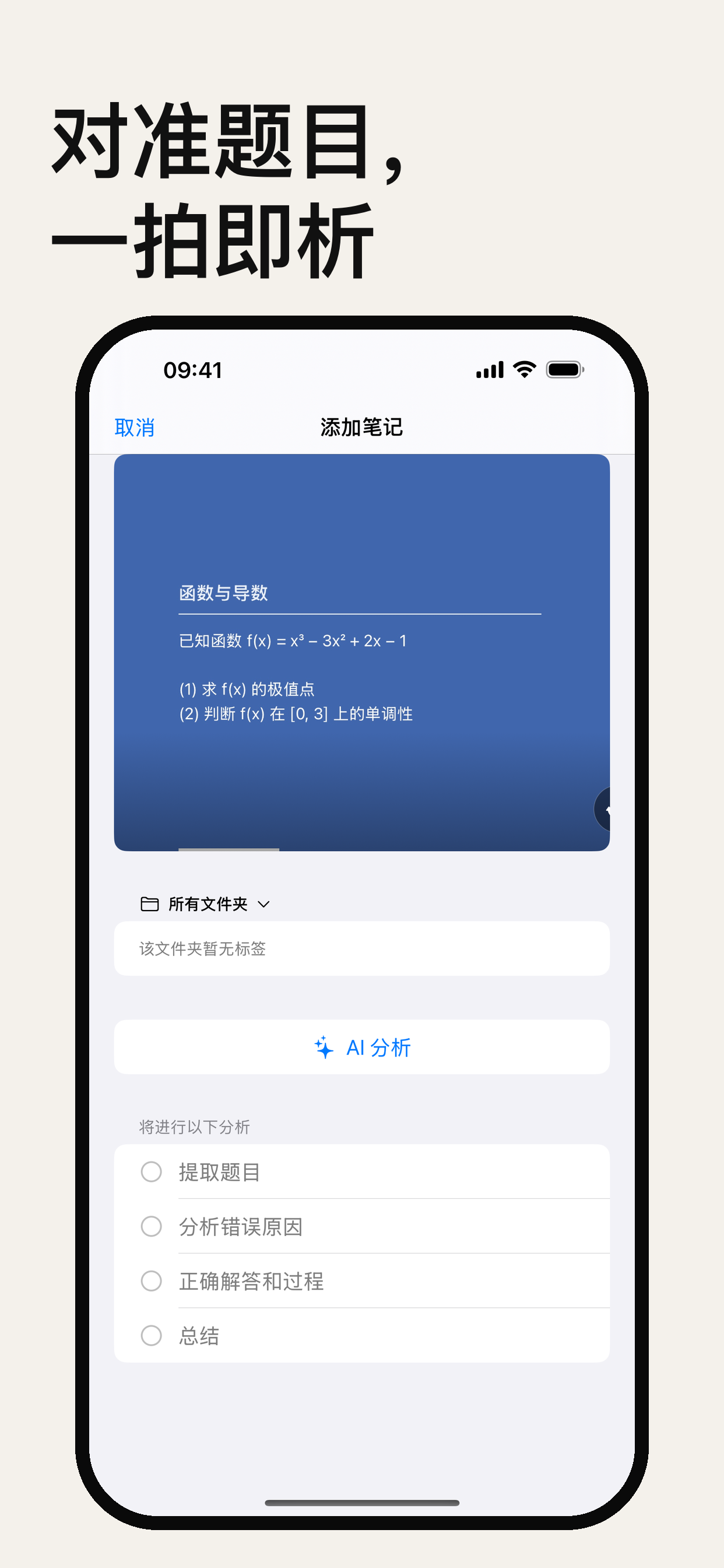
- Image recognition: photograph or import any image — documents, handwriting, code screenshots, charts, and receipts are all recognized
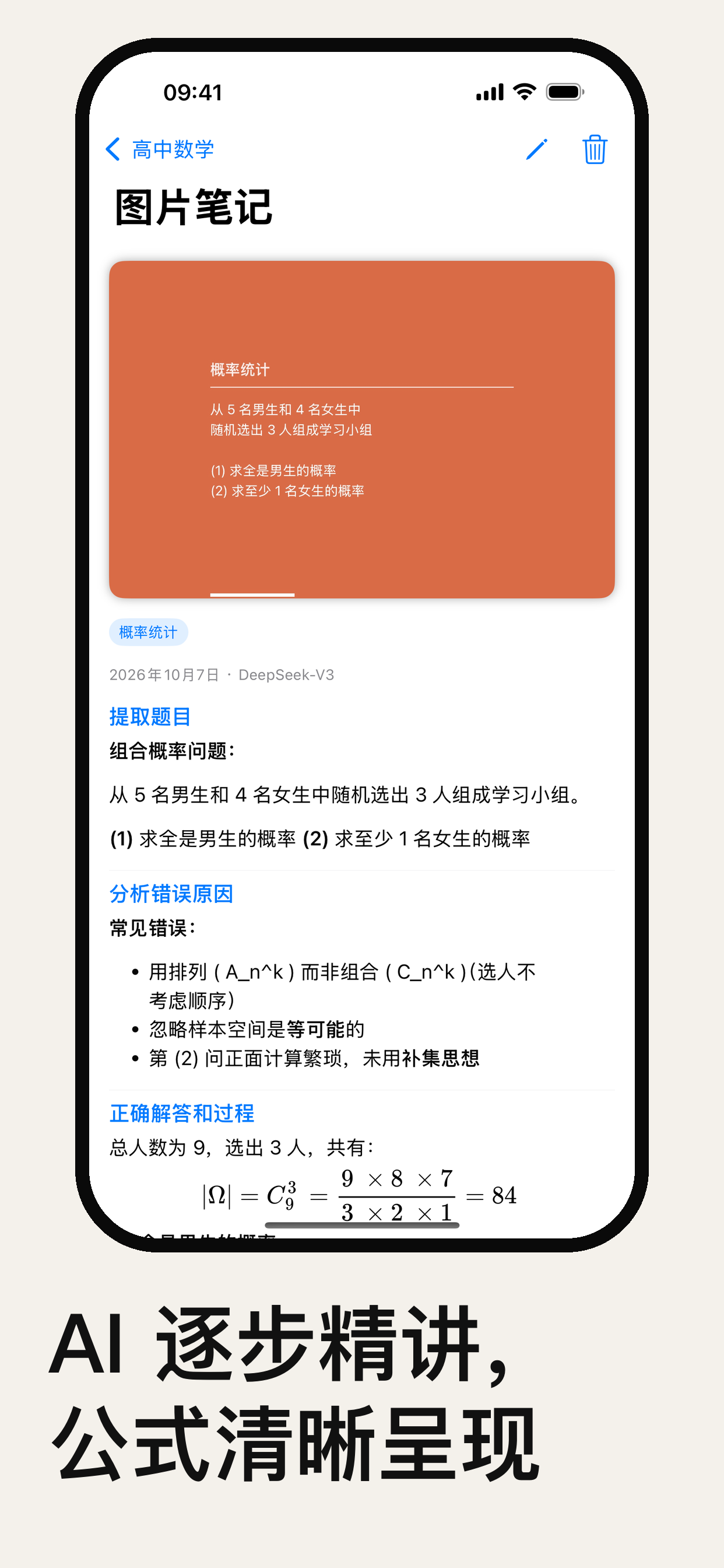
- Step-by-step AI analysis: AI streams a deep analysis for every step you define, like an expert explaining it along the way
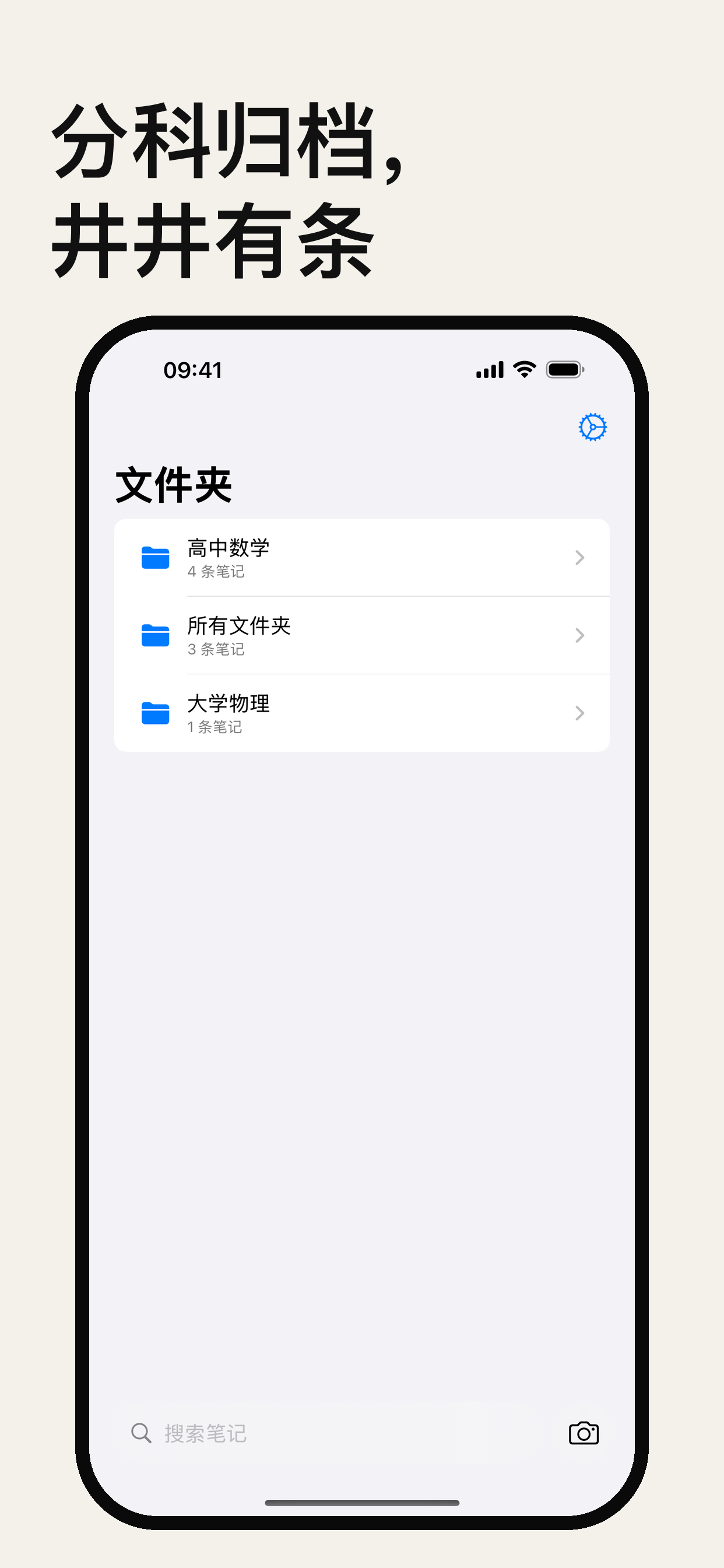
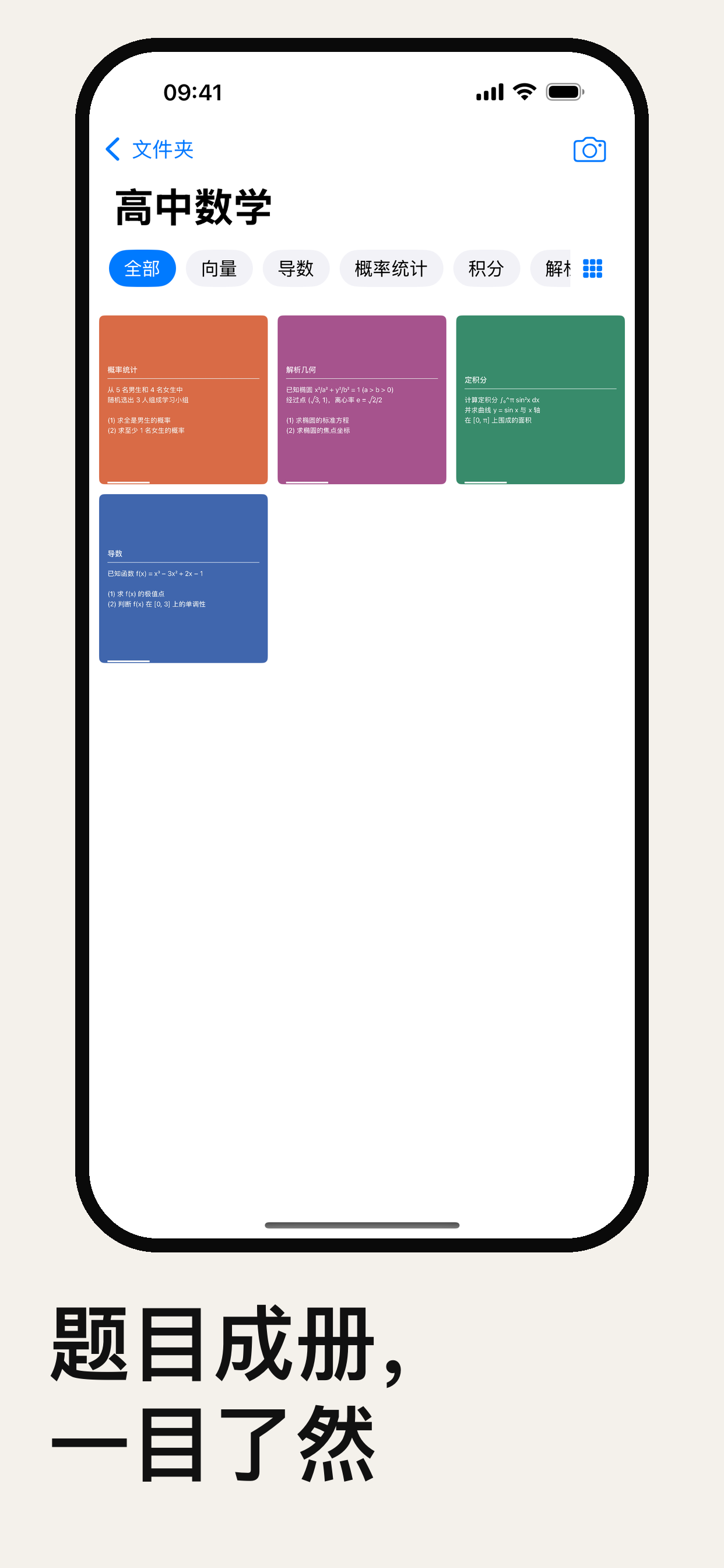
- Structured archive: items are filed automatically by type and tag, fully searchable, forming a personal knowledge base you can revisit anytime
- AI-suggested tags: AI proposes tags to keep everything filed precisely
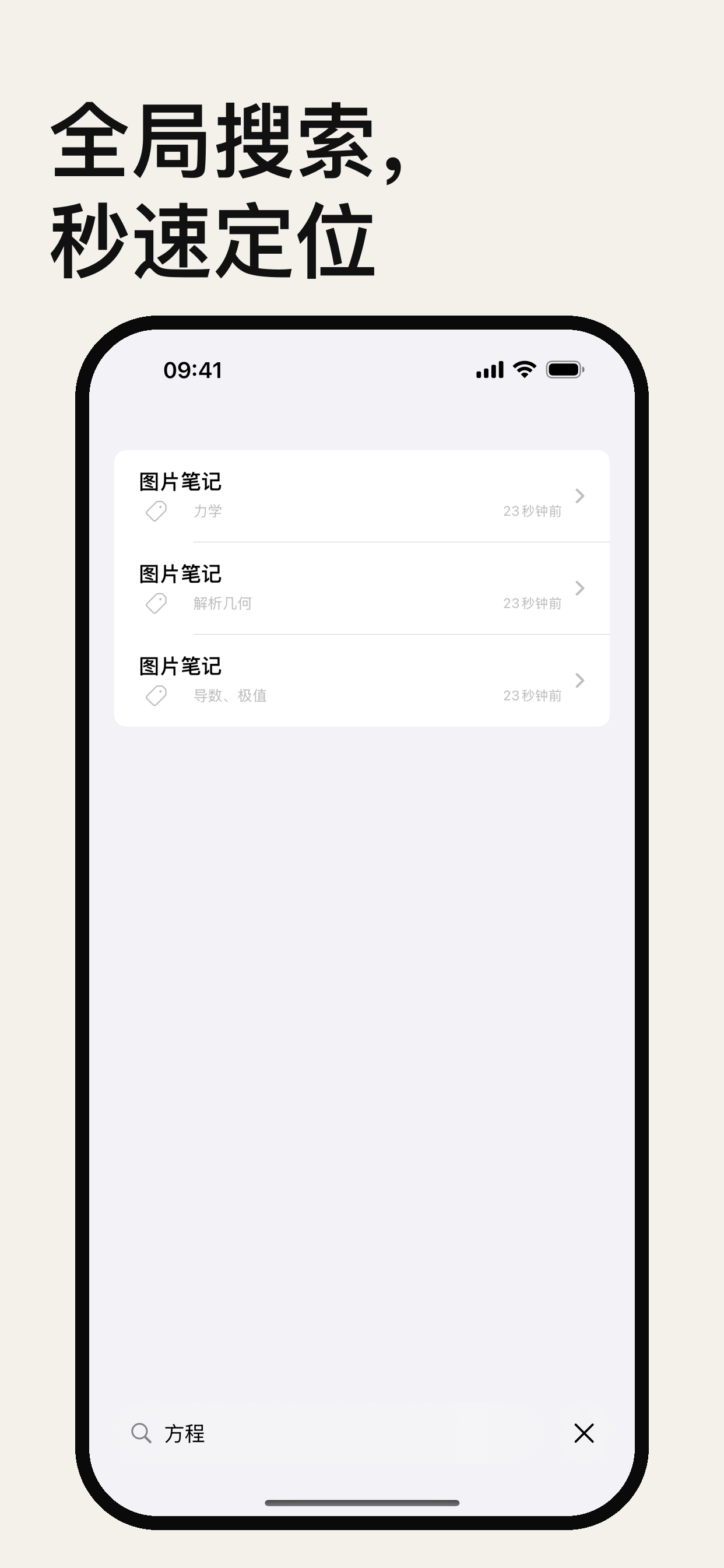
- Global search: one search across all content, keywords get you there
- Works offline: everything saved stays available without a network
- Privacy first: all data stays on your device, never leaving it
Screenshots
Analysis templates
Each folder is its own template, with dedicated analysis steps, a tag set, and an AI prompt. Build one for contract review, code review, study notes, or competitor analysis — results stay grouped by template. Here is the default template (mistake analysis):
- Extract the problem: recognize and fully extract the original problem text from the image
- Analyze the mistake: pinpoint the exact errors in the solution
- Correct solution and steps: give the correct steps and final answer
- Summary: sum up the key concepts and points to watch out for
Use cases
Math and science mistakes
Analyze every wrong answer systematically, understand the reasoning for good, and stop memorizing answers.
- Extract the problem: recognize and fully extract the original problem text from the image
- Analyze the mistake: pinpoint the exact errors and blind spots in the solution
- Correct solution and steps: give the correct steps and final answer
- Knowledge summary: sum up the key concepts and patterns behind the problem
English and language learning
Photograph reading material and let AI distill vocabulary, grammar, and sentence patterns.
- Extract words and patterns: identify the key vocabulary and core sentence structures in the text
- Grammar notes: explain the grammatical logic and usage rules of the sentences
- Meaning in context: give accurate translations and contextual explanations
- Memory tips: offer mnemonic techniques and related example sentences
Programming and technical learning
Photograph code or an error screenshot and let AI locate the root cause and suggest the best fix.
- Describe the issue: accurately identify the logic error or error message
- Root cause analysis: locate the bug’s root cause, performance bottleneck, or design flaw
- Best solution: provide a fix with code examples you can use directly
- Best practices: summarize the coding standards and design patterns that prevent similar issues
AI providers
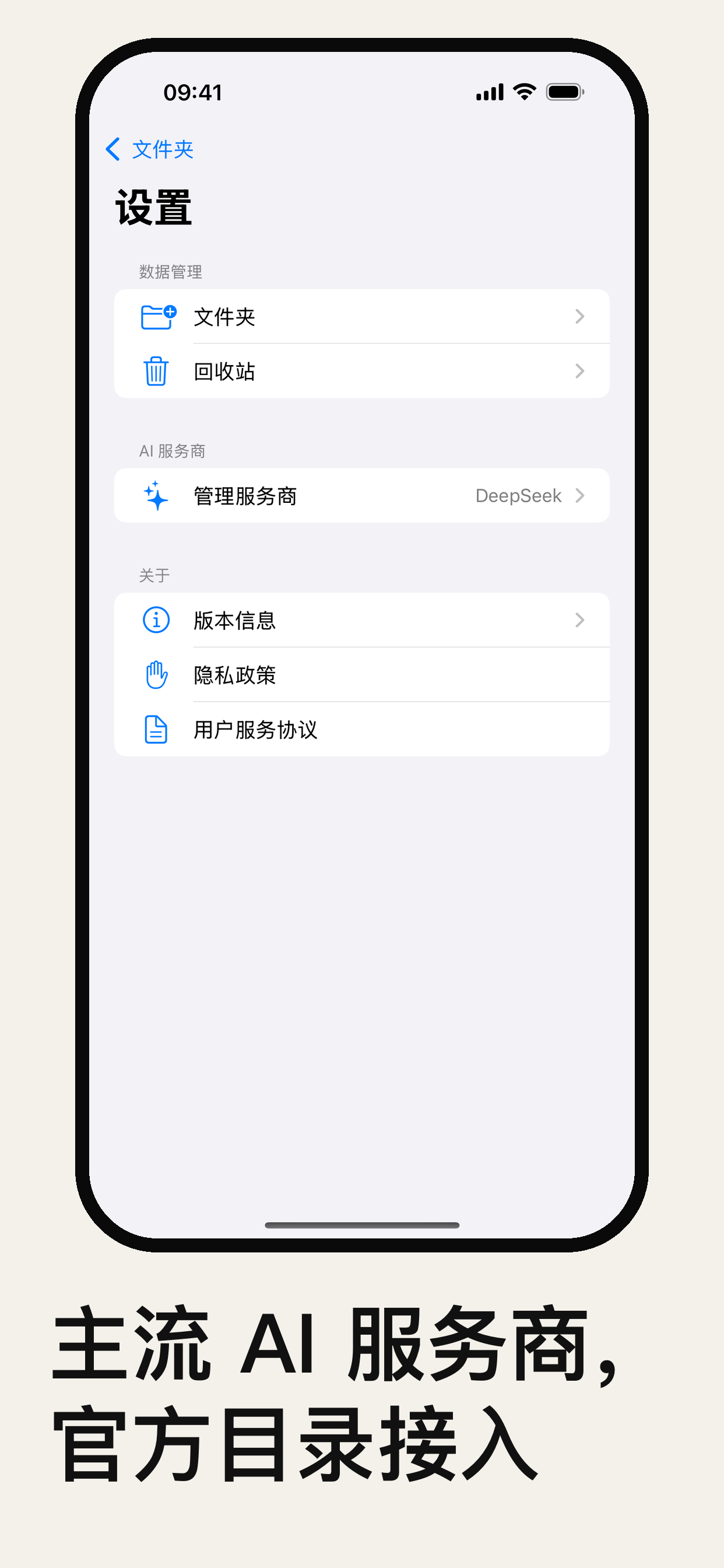
A built-in catalog of 9 mainstream providers — pick one and the app uses its official endpoint, with no endpoint to fill in by hand. API keys are encrypted in the iOS Keychain on your device. DeepSeek is the default.
- Direct access from China, best for daily use: DeepSeek, Zhipu GLM, Qwen, Tencent Hunyuan, Kimi Open Platform, Kimi Code
- Top-tier reasoning for complex content: Anthropic, OpenAI, Google Gemini
The app is free to download; AI usage is billed by the provider you choose, at their rates. Choose a provider and enter its API Key under “Settings → AI Providers”. See Support for details.
Privacy first
Your notes, images, and analysis records are stored only on your device and are never uploaded to any server. API keys are encrypted in the iOS Keychain and cannot be read by the developer. Camera and photo library permissions are requested only when you take or pick a photo. See the Privacy Policy.